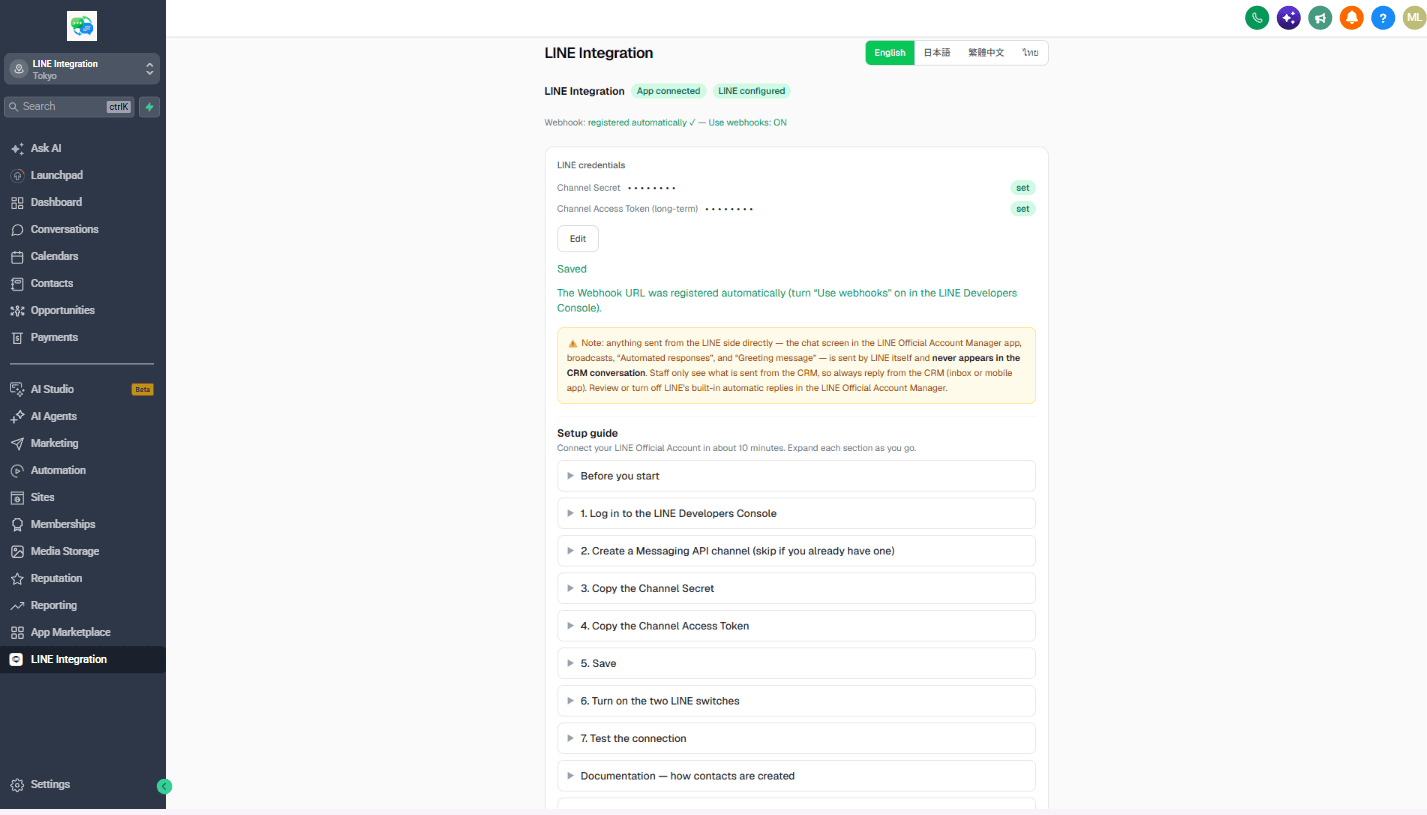
Setup guide
The full walkthrough, step by step. Setup takes about 10 minutes.
1. Install from the GoHighLevel Marketplace
Open the Marketplace in your GoHighLevel account and install Jimoto Digital - LINE Integration. Approve the requested permissions — these are limited to what LINE messaging requires — and the 14-day free trial starts.
2. Get your LINE console values
In the LINE Developers console, open the Messaging API channel for your LINE Official Account. You need two values: the channel access token (issue a long-lived one) and the channel secret.
3. Connect and verify
Paste both values into the app's connection screen. The webhook URL is registered to your LINE channel automatically. Send a test message to your LINE Official Account — it should appear in the GoHighLevel unified inbox within seconds, labeled as LINE.